25 Years to Switch to Linux. A Holiday Was Enough.
After twenty-five years of 'Linux isn't ready for the desktop', I switched for good. What Omarchy does differently, the role of an AI agent, and the two questions that matter more than the distro.
For twenty-five years I kept saying the same thing: “Yes, Linux is great, I use it on servers, but it’s not ready for the desktop.” Then I’d go back to Windows or the Mac and always find a good reason to put off the switch: the apps, the printer, the office suite. And above all: “What if something breaks?”
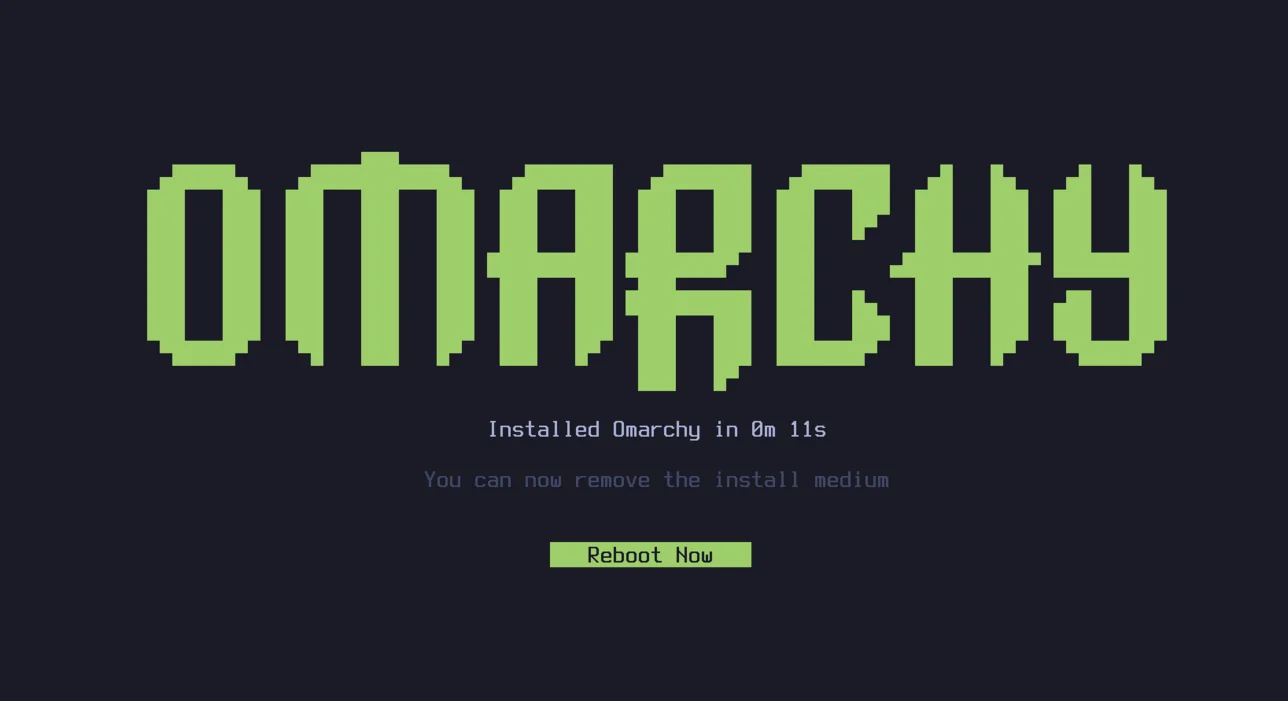
Now I’ve made the switch. My desktop PC runs Arch. Not the Arch of 2010, the one you installed with the wiki open on a second screen. This is an Arch that installs in half an hour, updates without ceremony and gives you a working environment from day one. The credit goes to Omarchy, DHH’s project that takes Arch and Hyprland and packages them around a very precise idea of how work should be done.
Not a distro, an opinion
Omarchy isn’t a distribution in the classic sense. It’s Arch with a set of decisions already made on top, and those decisions are what make the difference:
- A community that never stops. A very lively community has grown around Omarchy, constantly releasing themes, extensions, scripts and small tools of every kind. There’s something new to try almost every day, and it installs in seconds. This is what surprised me most: you’re not using a finished product, you’re joining something that grows while you use it.
- One menu for everything. A single shortcut opens the Omarchy menu, where you install packages, switch themes, configure the system and update it. You don’t need to remember where every config file lives: there’s one entry point.
- Themes that change the whole system. One command switches the theme, and terminal, editor, bar, wallpaper and window colours all change together. It sounds like an aesthetic detail, but it’s the first time a Linux desktop has felt like one object instead of a collection of parts.
- Keyboard first. Hyprland comes configured as a tiling window manager, with consistent shortcuts and a cheat sheet always one keystroke away. After a week I barely touched the mouse.
- Web apps treated as apps. The services I use in the browser become apps with their own shortcut and their own window. One habit, launching everything from the keyboard, works for everything.
- Developer tools ready to go. A configured Neovim, Docker, terminal interfaces for git and system monitoring. Open the terminal and you can work.
- Updates don’t touch your changes. Omarchy’s defaults and your customisations live in different places, so updating the system never wipes what you changed.
None of this is impossible on another distro. But all of it together, already done and consistent, is why with Omarchy I didn’t spend the first two weeks configuring instead of working.
The love-hate for DHH
I’m not claiming it’s the best distro. I know the online debate about Omarchy has often turned into a debate about DHH, sometimes a very personal one, and I understand where it comes from: Omarchy is an opinion, not a menu of options, and plenty of people don’t like other people’s opinions. Paradoxically, all that noise is exactly what made me curious. Curiosity became a trial, and the trial became a habit.
My feeling is that Omarchy doesn’t ask me to build a setup to show off. It gives me a starting point that already looks like the way I work.
The factor that isn’t Omarchy
I have to be honest here, otherwise this reads like a review. It wasn’t only Omarchy that made me stay. There’s also the AI agent that works alongside me every day.
That “what if something breaks?” was always the real reason I never switched. When you land on Linux, a hundred questions a day rain down on you: where’s the config file, why won’t the audio work, what does this command do, which package do I need. For years the answer was a forum and an afternoon of reading. Today it’s an agent that knows the machine, reads the logs with you and explains step by step what’s going on.
It didn’t make me better at this. It made me calmer. There’s a big difference between “let’s try, worst case I roll back” and “let’s hope for the best”: the first is the condition for experimenting, the second is the excuse for giving up. With something that helps me understand what’s happening, I now experiment.
Six distros to understand one thing
Omarchy wasn’t the first. Before it came many attempts, and each one left me with an “almost”.
- Debian: rock solid, but too many things to add and configure before it felt like home.
- Ubuntu: the opposite extreme, everything ready. But it never felt like mine.
- Fedora: polished and well made, yet I didn’t like the way it handles packages.
- Arch: the same feeling as Debian, a perfect base that you have to build entirely yourself.
- CachyOS: this is where I thought “wow”. Fast, refined, ready. Maybe even too mainstream for what I was looking for.
- Ryoku: beautiful to look at. Then on Reddit I read people dismissing it as a “vibe-coded” project, an Omarchy with less money behind it. At that point I thought: I might as well try the original.
That’s how I got to Omarchy. And I stayed. If I ever left it, I’d probably go to CachyOS.
But the most important thing about this whole journey isn’t the name of the distro I landed on. It’s what I understood along the way: there are countless distributions, but only two questions really matter.
First: do you want continuous updates, or do you want to install once and forget about it? It’s the difference between a rolling release distro, always on the latest version of everything, and a fixed release one, which stays stable for years. Both have pros and cons. With the first you always get the new stuff but have to accept the occasional surprise. With the second you get peace of mind, but older software.
Second: how do you want to manage packages, tools and software? Every family of distros has its own way of installing, updating and finding programs. It’s what you’ll deal with every single day, so you’d better like it.
Once you’ve answered those two questions, everything else changes very little. On Linux, whatever the distro, you can have practically anything you want, exactly the way you want it. Desktop environment, themes, tools: everything can be swapped.
That’s what I never understood in twenty-five years. I didn’t need to find the right distro. I needed to figure out what I wanted. The rest, on Linux, you build.